

I finally testing Kiro after long time being courted by AWS to try it. I have to confess that I have a double life, my formal work in IT infrastructure and my side things developing software, last years for hobby, not for profit.
So I took an idea that was rounding my head like a year ago, about developing a new app to take advantage of Open Data already available in some cities, and give normal people the ability to read the information in a friendlier way in their phones.
Testing Kiro was starting in a serious way with Spec Driven Development as never before. I had some rudimentary concepts and slight practice from a couple of years ago, nothing formal since my daily job is not programming. I already had taken a Kiro workshop where all that was shown, but honestly I had no idea what they were actually doing.
So I started my Kiro journey configuring my environment and launching myself to the unknown.
My first surprise was the ease of use, I literally started with the description of the app I wanted to build, and the process to create specs was totally smooth.
After finishing the first version, that compilated, worked and tested automatically, I proceeded to push it to my public repo. I’m participating in Kiroween Hackathon, so I know this kind of things require evidence that you are actually doing everything, I ended up learning it by matter subtraction. I created a new feature with the quick spec flow, after having the feature finished and committed I noticed that the in this case I had spec files, but they were not created for the initial app version, only trace was the chat with the agent. Therefore I had to gather the specs from the code already built and all the decision making in the process was lost, Kiro kindly reconstructed initial specs with some kind of reverse engineering from the built code. I took note for future features or fixes to keep track of my work.
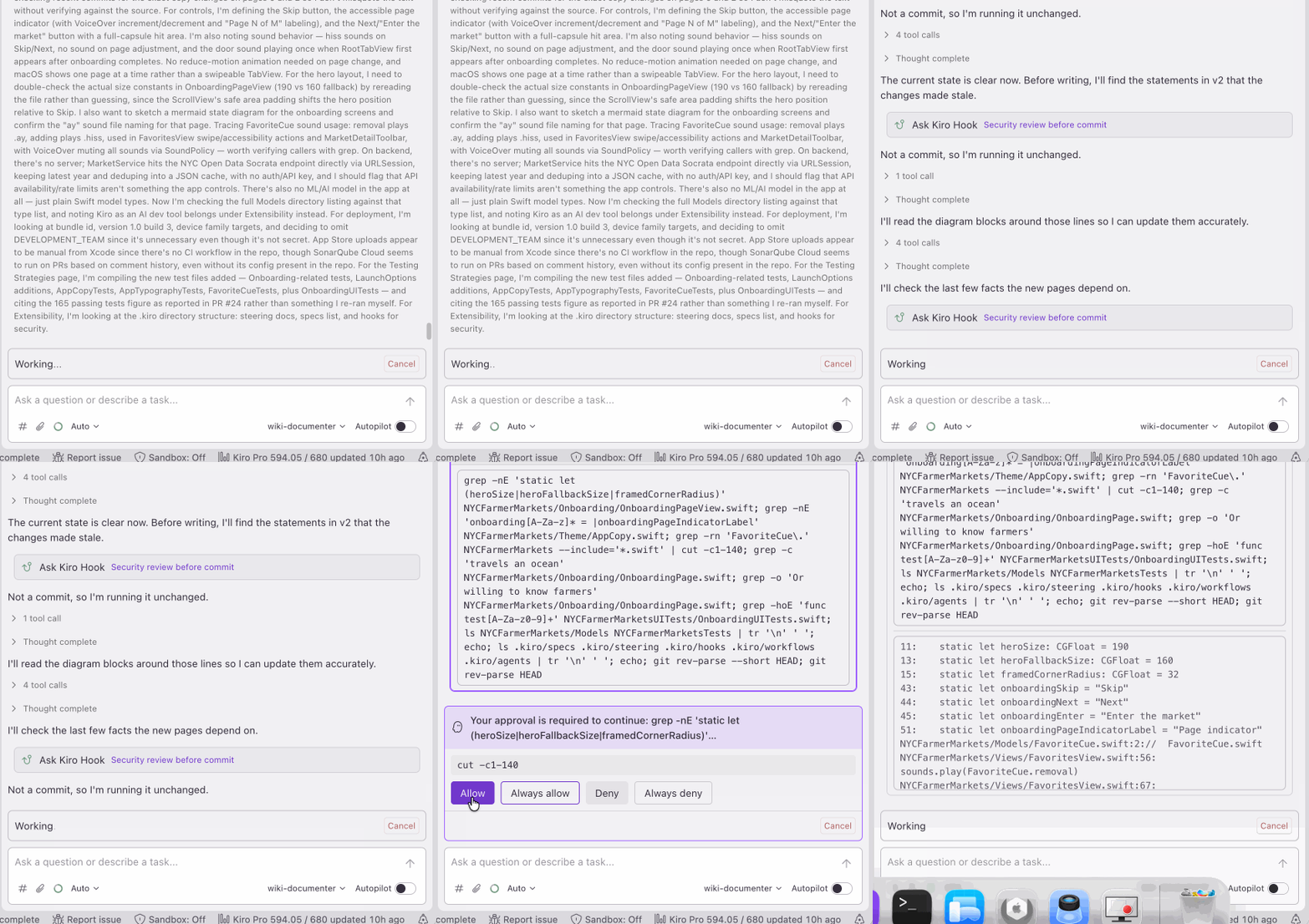
Next step was trying some Kiro features, the first I wanted to test was adding a Hook to do a security check on coding before any commit. I’m not totally clear about how effective is it running, because traces show me when it’s omitted, not when it’s executed. Probably it’s running but found no issues to break to avoid the commit.
This app is being developed for iPhone, so Xcode is mandatory for actual testing. I was really impressed by the easy integration with Xcode and how Kiro wrote the code with Unit and UI tests. It’s surprising how it test the interface and it’s able to check coherence by itself. I started the project from an empty XCode one, where version was already set to 26, Kiro integrated iPhone Liquid Glass design elements by default in my app. also respected the palette I established and created it in a centralized way.
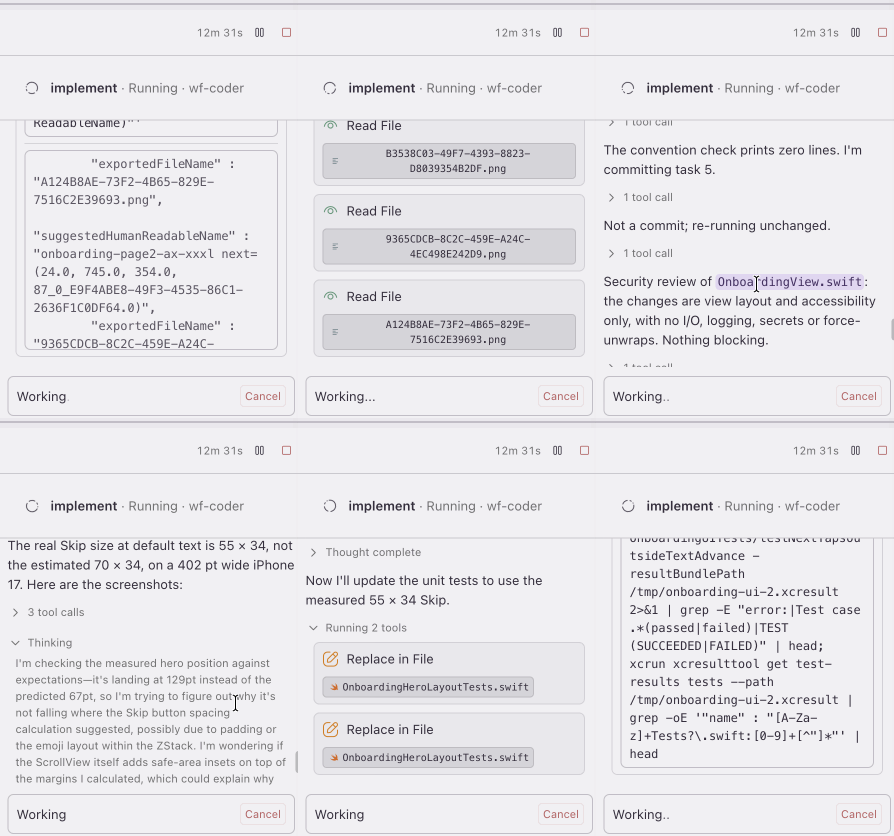
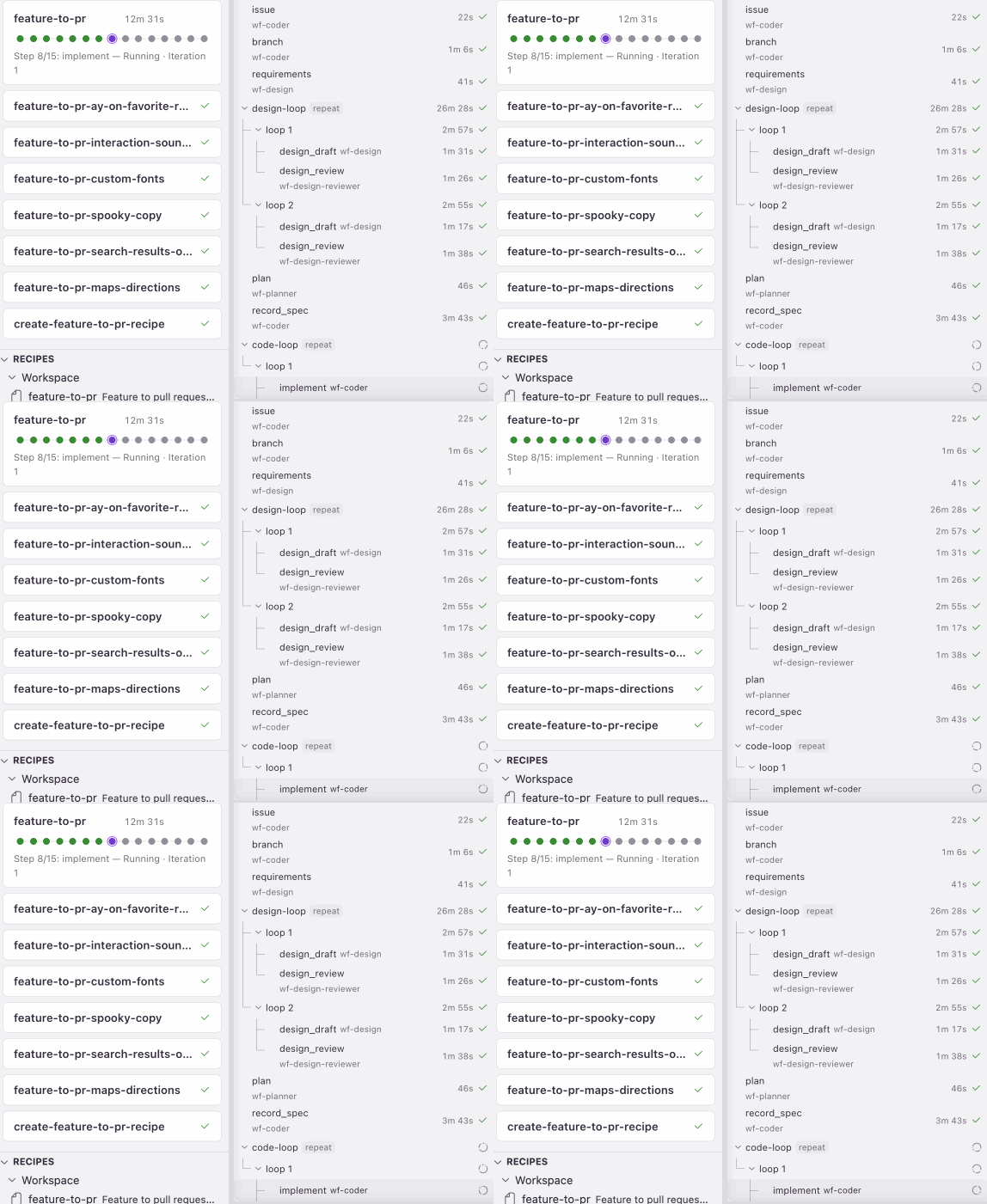
The following feature of Kiro I wanted to apply was creating workflows, every feature follows the same pattern, create specs, create an issue in the repo from the specs, create a branch to work on specs, Kiro loops for design, plan, code, test, and then push the Pull Request. It worked charmly, however it created lots of temporary files in .kiro folder that left my branch unclean, first I forcefully committed them, but every workflow run deletes them to be recreated, so I ended up adding a step on the workflow to archive them. Kiro also reviewed those files to not include local users or paths. Since some answers come after PR is merged, I also added another step to the workflow to archive those too, so I have complete traceability of task deployed by the workflow or as consequence of it.
You can see the workflow in action here.
I integrated my repo with SonarQube, and found out that Kiro was aware of the SonarQube reviews and reacted to them after the Pull Request is pushed. Because of the detailed Unit and UI test, and general code Quality no changes were requested by SonarQube.
About MCP servers, I started adding the one from XCode, that allowed me to ask to run tests directly from Kiro, outside a workflow, later I added a Kiro Power called Cubic AI that mentioned being able to generate Wikis. Cubic AI had also an MCP server that allowed listing wikis.
Cubic AI is a very interesting AI tool (7 day trial) that allowed me to generate a Wiki and also was possible to integrate with my repo. I didn’t know its usage until I published the next Pull Request. Cubic AI did a comprehensive code review over code generated by Kiro and suggested changes. It was very interesting how Kiro became aware of that review, so I had two options: Accepting fixes recommended by Cubic or leave them as is and leaving Kiro with the task to answer them. When I say comprehensive I mean 18 issues found, it happened a day at 2:30 am, that basically I closed the issues with “It’s 2:30 am, I want to sleep” and took it per closed. In the real world and in another time, I would have reviewed them more carefully. Finally I disabled Cubic AI integration because time invested reviewing the reviews and suggested changes, however it probably be very valuable in production environments.
I had like a checklist from Hackathon documentation on features to test, next one was steering files. I had to google first what they were, and I considered how useful they could be with the project in about 80% of completion, so I asked Kiro and he told me that workflow could be slimmer, having the common rules in the steering files instead on every step, that convinced me and proceeded to generate them, updating the workflow in the process.
Then it was the time to give Kiro Web a try, I decided to give it a different task, create the onboarding screens from zero in an empty project. The first thing that I noticed was the limitation because no XCode access was possible, so Unit and UI testing was out of the question. I decided to proceed anyway to receive user interface suggestions based in my app pitch and palette. It was impressive how accurate it was to my intent. I tested it locally and added needed assets, included manually style files from my main project. Another disadvantage I found is that Liquid Glass features were not included and I had to request Kiro to change the interface to do so, I suppose it was because the project was empty and maybe Kiro is not default defined to use the last versions of languages or OS features.
When I considered it finished, I added manually the files created in the separate project to my main one and requested Kiro to integrate them in my main project UI flow. I used the specs agent and it executed the task, information was stored in spec files but no traces of Kiro actions since I didn’t use the workflow. When real Unit and UI testing did their job I have to highlight the care Kiro does over accessibility. It verifies contrast, VoiceOver possible interactions, readability of fonts. The code itself includes all the needed configuration for VoiceOver to work properly, and for my app that had a “Spooky” tone, also asked if I wanted VoiceOver to match that.
Another important review that Kiro does is about licensing, I included customized fonts and sounds in different features. Kiro not only reviewed the readability of fonts in accessibility perspective, also having proper licensing to use the fonts, reading file metadata and querying internet for author information. Kiro also asked me if sounds were recorded by me and left my answers in the specs file.
I manually updated things in the repo when using Kiro will take more time and I could save agent credits, for more complex tasks. About credit spending, I realized is related with the complexity and length of the code. When I was doing the separated project for onboarding screens, the credit consumption was lower than integrating features in the complete project. It could be a cost savings point when you are testing certain parts, that it could be convenient to do them separately and integrating once proved.
For the sake of the project I was developing, existent agents were sufficient, later I decided to create one to emulate a functionality that Cubic AI has: Creating and updating Wiki. Then I set instructions to the agent to keep the same items that Cubic considered, and using mermaid as necessary. Results are consistent, however more detail in the actual content could help to do a better evaluation. The generated new version contained a Mermaid error from Cubic previous one, but it was possible to solve it via agent prompt.
I didn’t test PBT in my project, probably it could be more effective in larger projects, mine covers very straightforward use cases, that Kiro can easily identify and configure as UI testing in XCode.
If someone is interested, this is the actual repo with code Spooky Markets.

